
Blog
-
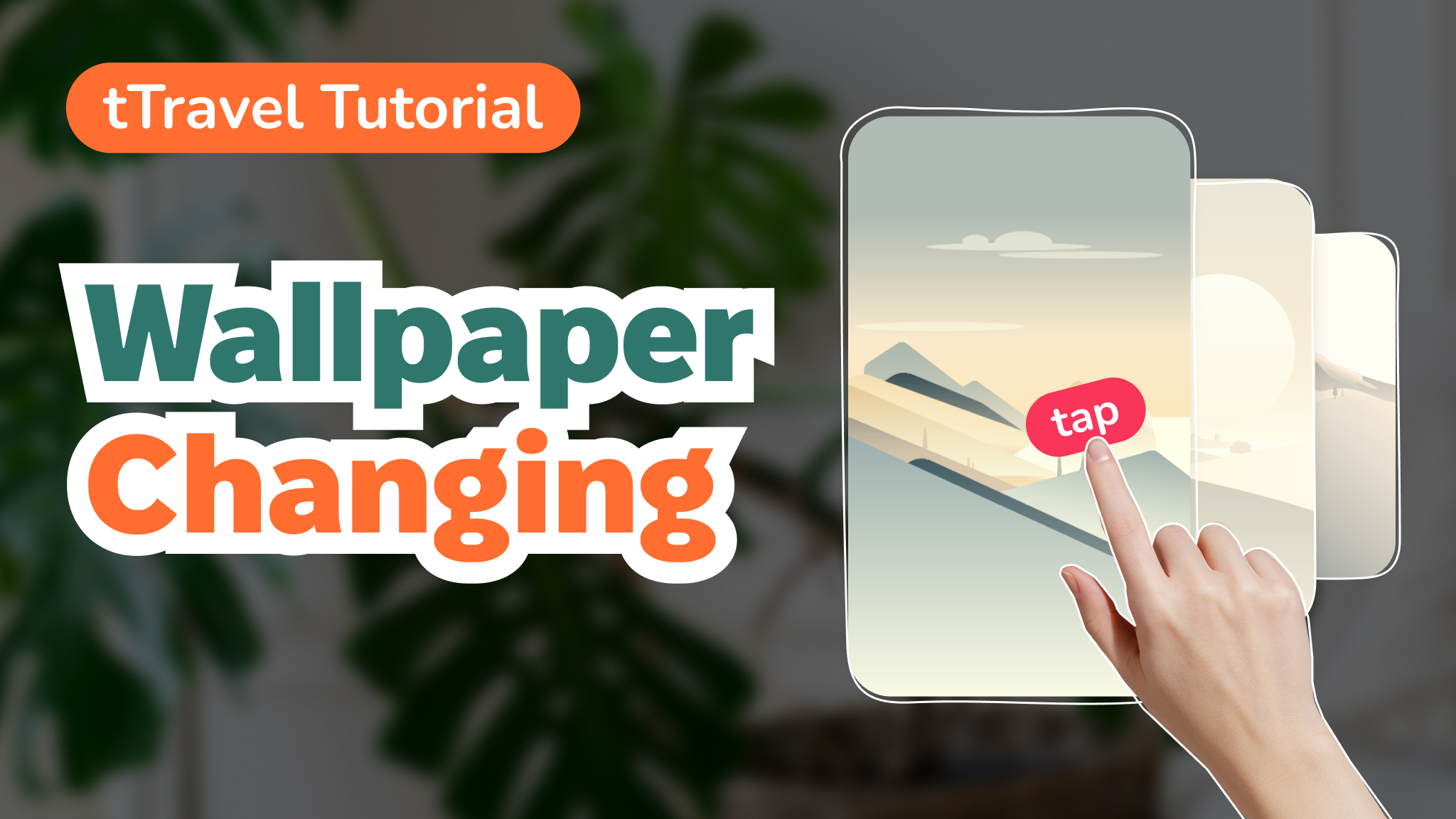
tTravel Tutorial: Wallpaper Changing
There’s a big chance you didn’t know that you can change the look of your home screen in tTravel. Only 6% of users have changed the wallpapers on the home screen so far. Try clicking anywhere to the left or right of Me and choose one of the universes you like the most. Check the…
-
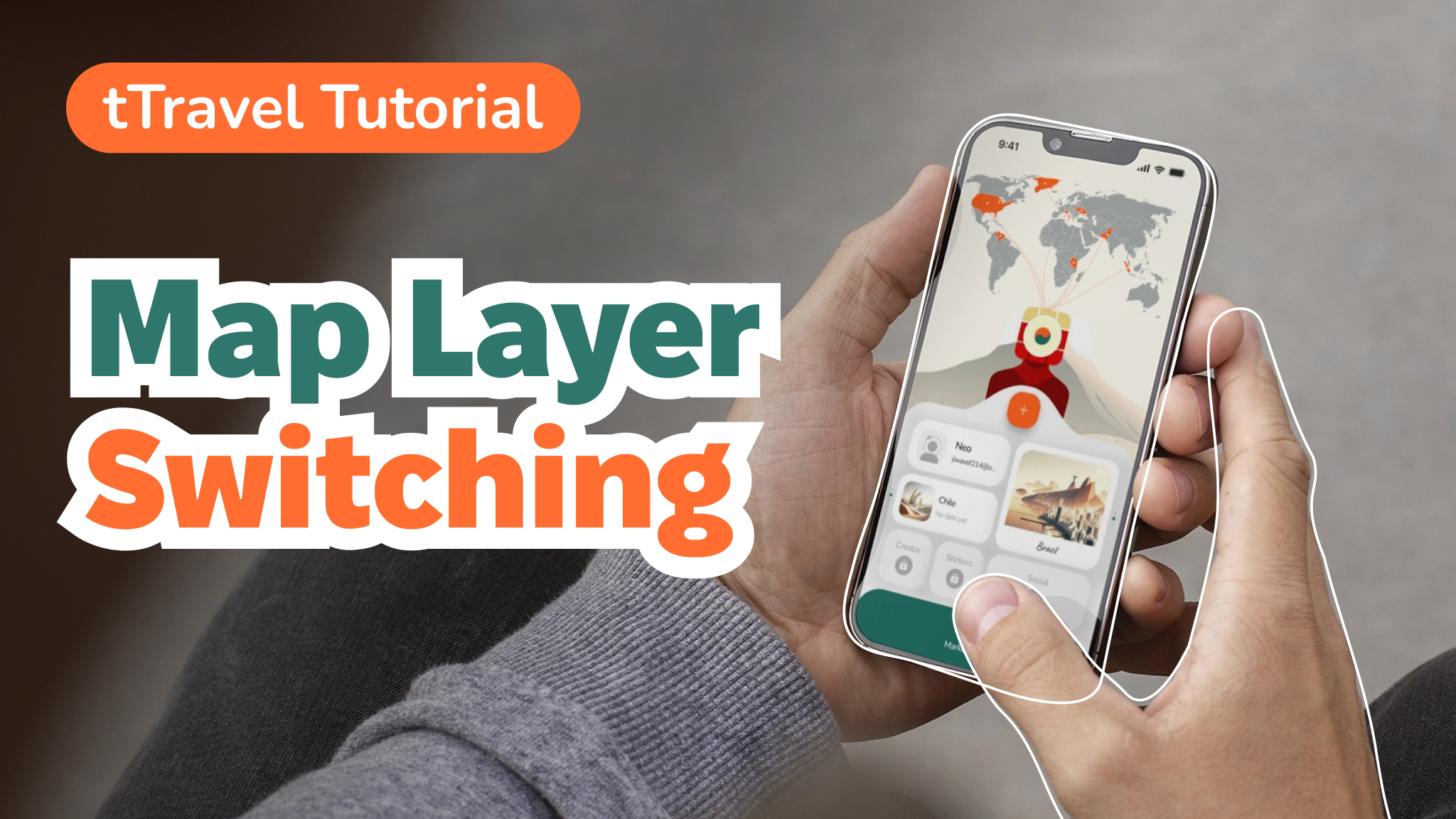
tTravel Tutorial: Map Layer Switching
To change the layer of your personal Scratch map you need to have both your Plans and Memories unlocked. Also, when your Plans and Memories widgets are unlocked, you can click Me and it will tell you a hint “Swipe Me”. Download tTravel on iOS or Android if you haven’t done so yet. And stay…
-
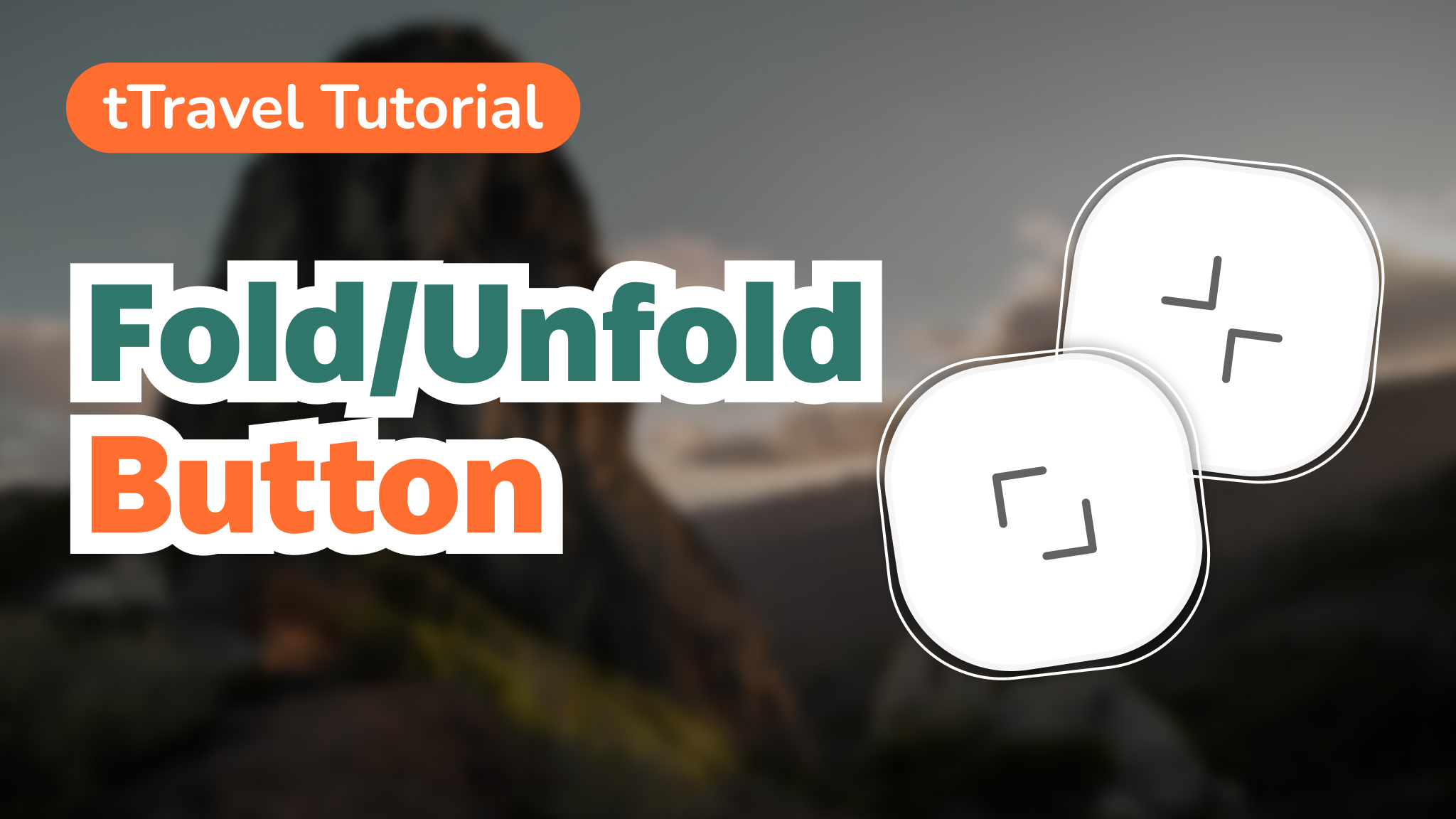
tTravel Tutorial: Fold/Unfold Button
To speed up navigation inside the itineraries we’ve introduced the Fold/Unfold button. Fold mode – all text blocks and location blocks are folded to speed up your navigation through the day of the itinerary. A lifesaver when there are 10+ locations or long text descriptions in the day. Unfold mode – all text blocks and…
-
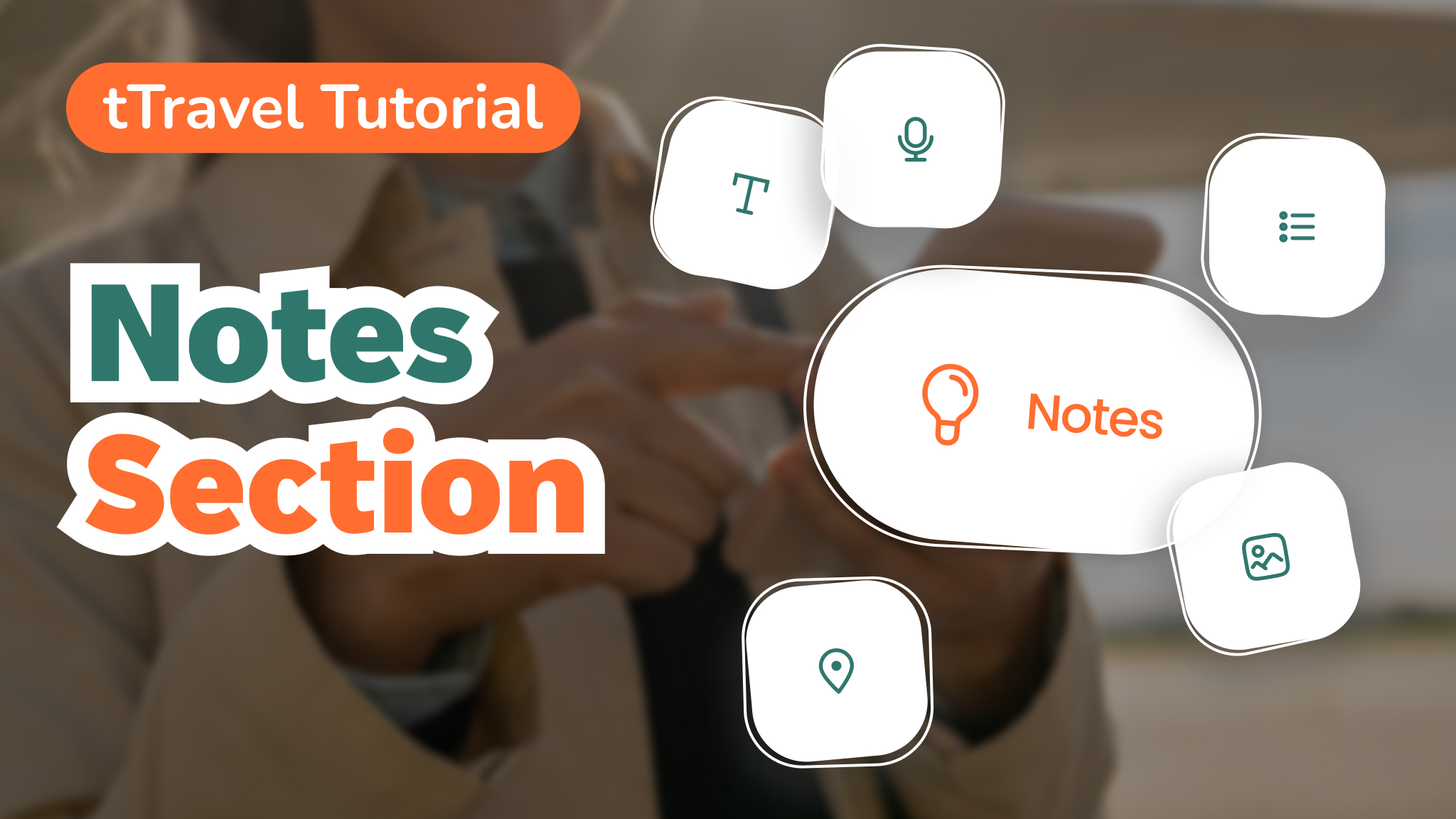
tTravel Tutorial: Notes Section
Notes section of the itineraries stores general must-know information about the destination you’re traveling to. It can be for example: Basically, here itinerary creators can put all the information travelers should know before going to the destination of the itinerary. Previously, I had to write down all this information in the text description of the…